| Rating: | 3.5 (8 votes) |
| Played: | 616 times |
| Classification: | Clicker Games |
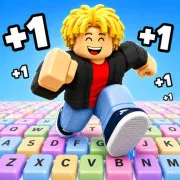
Obby: Paint Your Keyboard! is a simulation game mixing obby, idle and tycoon features. Your task is to turn a big keyboard into a colourful painting. Your job is to manage your character as he runs across the keyboard, paints each square, earns money and slowly builds his artistic empire.
Begin with basic colours and rapidly earn money to unlock more powerful paints like shimmering honey paint, strange galaxy paint, or fiery lava paint. Each fresh paint you put on your keyboard will not only improve the look of your keyboard but also enhance your revenue dramatically, the more you play the richer you get.
Can’t paint each and every nook and cranny yourself? Find some good help! This workforce will automatically move and colour the keys, giving you a big passive cash stream even when you are not actively directing the character.
Invest in your character and equipment to boost movement speed, colouring efficiency and earning potential. Every improvement gives you a feeling of closer to the throne, more power.
Challenge your friends and the world! See how many keys you have painted and your total score. Battle hard against friends and players from all over the world for the top spot.
Your keyboard isn’t dead. Save coins, acquire new land plots (key areas) and grow your "painting empire" to an inconceivable level.
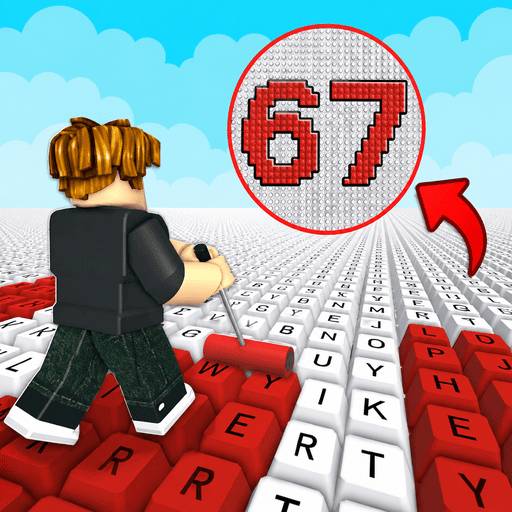
Get started with Obby: Paint Your Keyboard! and slowly develop your colourful keyboard in your own way.
Clicker Games